
How do I fill out a scanned or photographed paper form?
From phone photo to filled PDF
Example: a Puerto Rican citizenship application in Spanish. The person and answers are made up.
1.Upload a photo of the form
Take a photo of the whole page, or use a scanned PDF. In OtterFill, tap Choose a File and pick it.
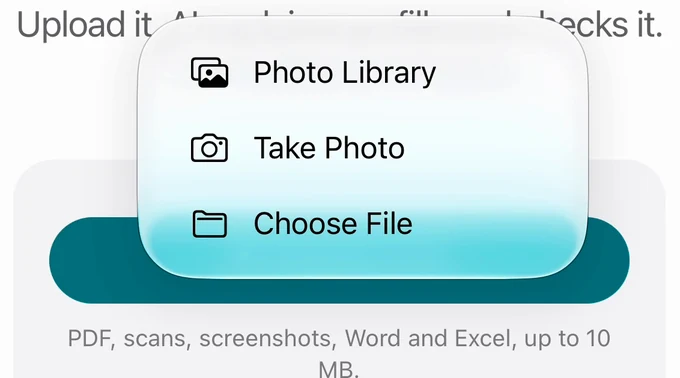
2.Type your answers
OtterFill finds every question and blank on the page and shows each one in English. Tap a field and type.
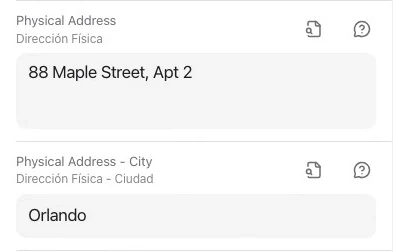
3.Export
Tap Export, then open Filled form.
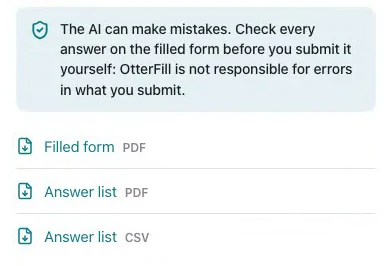
4.Get the filled original
Your answers are on the original page, ready to print or send.
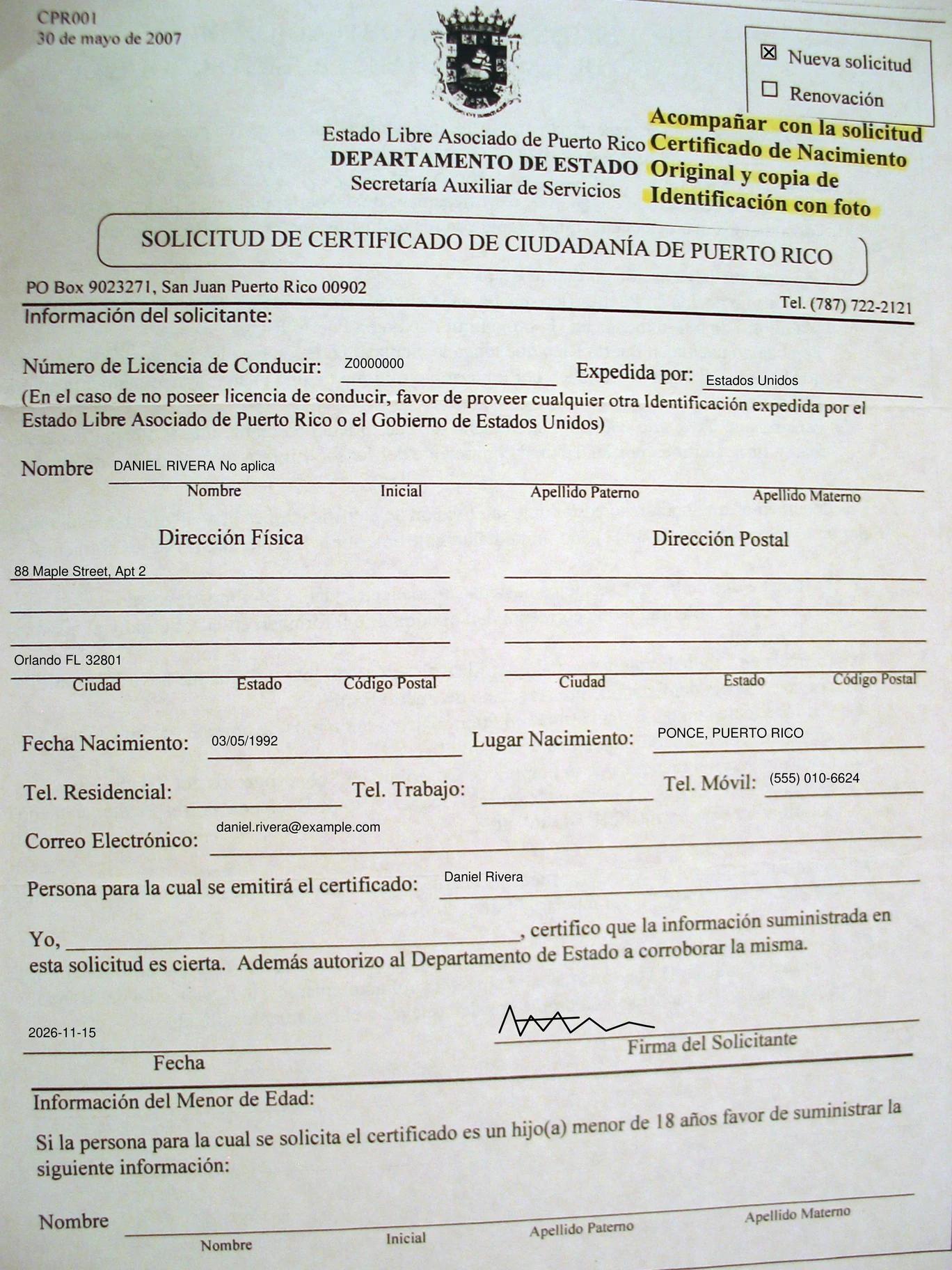
View the filled page at full size
Questions and answers
Can I fill in a scanned PDF that has no fields?
Yes. Upload it to OtterFill. It finds the questions and blanks on the page, and you type into them.
How do I fill in a paper form on my phone?
Take a photo of the page, upload it to OtterFill, type your answers and download the filled PDF.
Do I need to run OCR on the scan first?
No. Upload the photo or scan as it is.
Can I fill out a form in a language I don’t read?
Yes. OtterFill shows each question in your language next to the original, and the assistant explains any question you ask about.
Can I download the filled form for free?
Filling in the form and the answer list are free. Downloading the filled original takes one credit or an organization plan.